
Photo Mode, start to export
Photo Mode is one of the three modes Core Fighters can use, so the free edition is enough to learn it. Freeze a moment you could not see in motion, then fix the camera before you touch a single filter.
Photo Mode is the addition that justifies reinstalling Last Round even if you never play online. KOEI TECMO's description is precise: choose your stage and characters, position them freely, change their poses and expressions, and take picture-perfect screenshots. There is no combat objective and no timer.
Five-step workflow
- Pick a stage. The anniversary stage is the newest, but the older arenas have better light for portraits.
- Place two characters. Photo Mode is built around staged scenes, so decide who is facing whom before you touch the camera.
- Set the pose and expression. Change one at a time. Changing both at once makes it hard to tell which one broke the shot.
- Move the camera. Position the fighters first, then frame them. Framing first leads to characters floating in the corner.
- Take the screenshot. Use the platform's capture button rather than a phone photo of the screen; the difference is visible at any size.
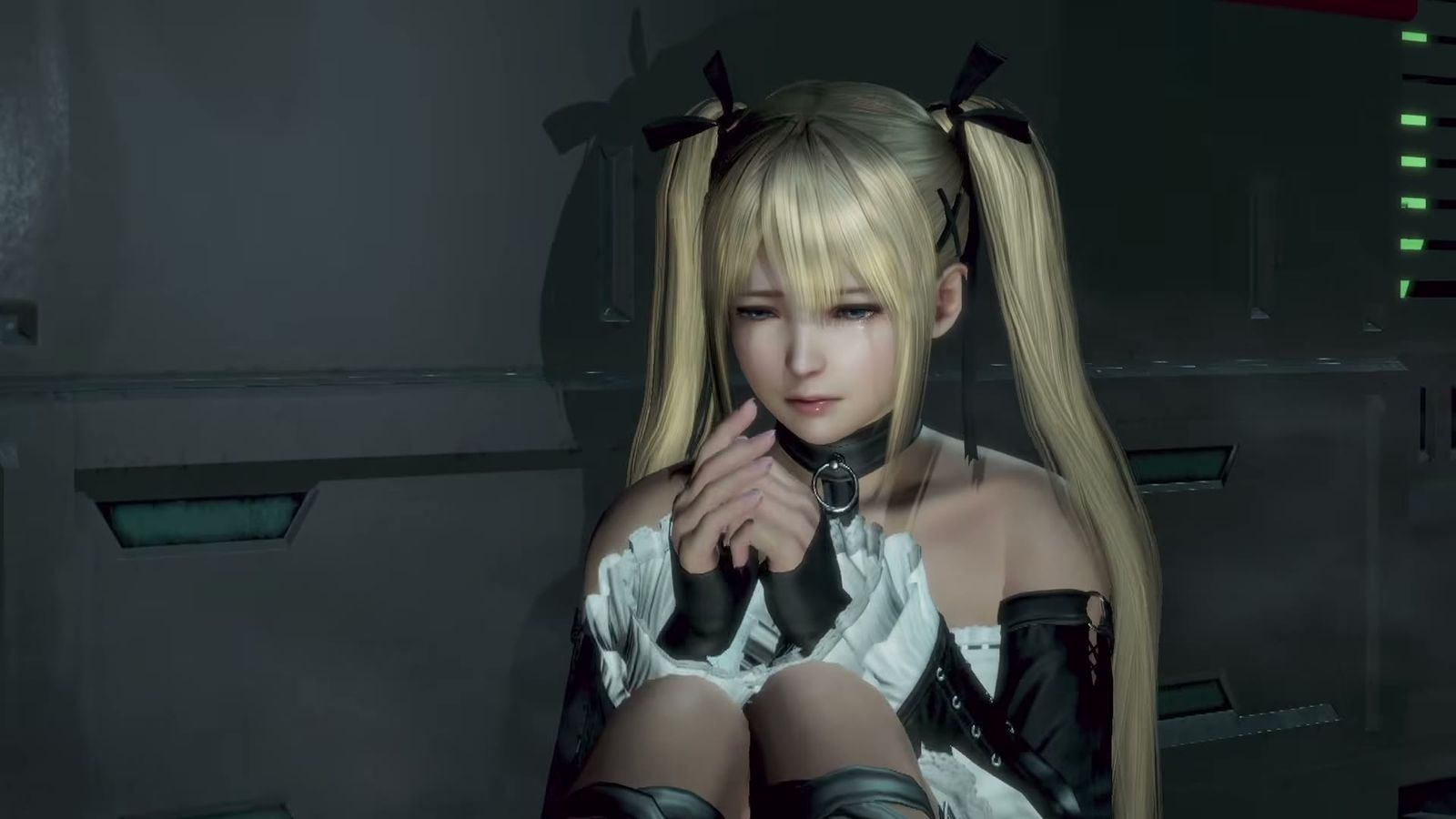
Composition rules that survive any stage
| Rule | Why it works | Common mistake |
|---|---|---|
| Leave space in front of the face | The eye follows the gaze | Centring the head with no lead room |
| Keep the horizon off the neck | A line through the throat looks like a cut | Placing the horizon by accident |
| Use one light source | Two competing lights flatten the face | Adding every effect at once |
| Frame at the waist or the knees | Cropping at joints looks like an accident | Cropping at the wrist or ankle |
| Shoot three versions | One wide, one medium, one close | Settling for the first frame |
The rules are not official. They are the same rules photographers use, and they apply because Photo Mode renders a real scene.
Poses and expressions: the useful order
Start with the body, then the face, then the camera. A strong expression on a collapsed pose reads as a mistake, and a great pose with a blank face reads as a mannequin.
- Body first. Choose a pose that shows the character's silhouette.
- Face second. Match the expression to the pose's energy, not to the character's reputation.
- Camera last. Move in until the frame is slightly tighter than you think it should be, then step back once.
Photo Mode limits
It is not a level editor. You cannot add props, change the stage lighting rig, or place a third fighter. This is not a video editor either: the output is a still image, captured by the platform.
It is also not a replacement for the training mode. A good screenshot does not teach you the triangle, and the beginner route is still the place to start if you want to play the game rather than photograph it.
Sharing without breaking the rules
Screenshots of your own session are yours to post. Official key art and trailer frames are KOEI TECMO's, and this site credits them as such. And if you repost a Photo Mode shot, credit the game and the characters' publisher, not the fan site you saw it on.
A ten-minute challenge
Pick one stage, one character and one expression. Take three frames: wide, medium, close. Keep the close one. Delete the other two. Repeat with a second character. Ten minutes, six frames, two keepers. Which is a better session than an hour of random clicking, and it teaches you what your camera actually does.
Still if you want to use the shots as desktop wallpaper, shoot at the highest resolution your platform allows and keep the character's face out of the taskbar area. The 30th anniversary page lists the new stage and costumes that are worth photographing first.
Light and background, in that order
A clean background does more for a screenshot than any pose. Before you move a character, look at what is behind them.
- Plain walls and skies make the silhouette readable.
- Busy crowds steal attention from the face.
- Bright windows blow out the edge of the character unless you turn them.
- Colored lights are the fastest way to make two shots from the same stage look different.
Move the characters, not the stage. Photo Mode lets you position fighters freely, which means the background is a choice, not a location.
Five shot ideas that work on any stage
- The face-off. Two fighters, one step apart, both in profile, camera at chest height.
- The low angle. Camera near the floor, character looking down at it. Good for a villain frame.
- The walk-away. Character in the foreground, stage depth behind, back to camera.
- The crowd shot. Put the character at the edge of the frame and let the arena fill the rest.
- The detail. Hands, feet or a costume element, cropped tight. The anniversary Specs accessory is built for this.
Five ideas, one stage, ten minutes each. You will finish with five usable images instead of fifty unusable ones.
Keeping the set consistent
So if you are making wallpapers, keep the same stage, the same two characters and the same camera height across the set. Consistency reads as a series; random shots read as a folder. The Last Round hub lists the modes worth photographing, and the 30th anniversary page lists the new costumes that are only available after the update.